

Aitane update: Register deals from AI chat and stronger ChatGPT and Claude integration
Thank you for using Aitane.
On November 1, 2026, we updated Aitane, the AI agent for sales.
This update expands the features that help streamline sales work, including registering data from AI chat, stronger integration with ChatGPT and Claude, AI analysis of documents, and KPI dashboards.
You can now hand the information entry and checking you used to do by hand over to AI. Our goal is an environment where sales reps can focus more on conversations and proposals with their customers.
Main updates
1. Register sales data from AI chat
You can now ask Aitane's AI chat to register companies, contacts, deals, tasks, notes, and more.
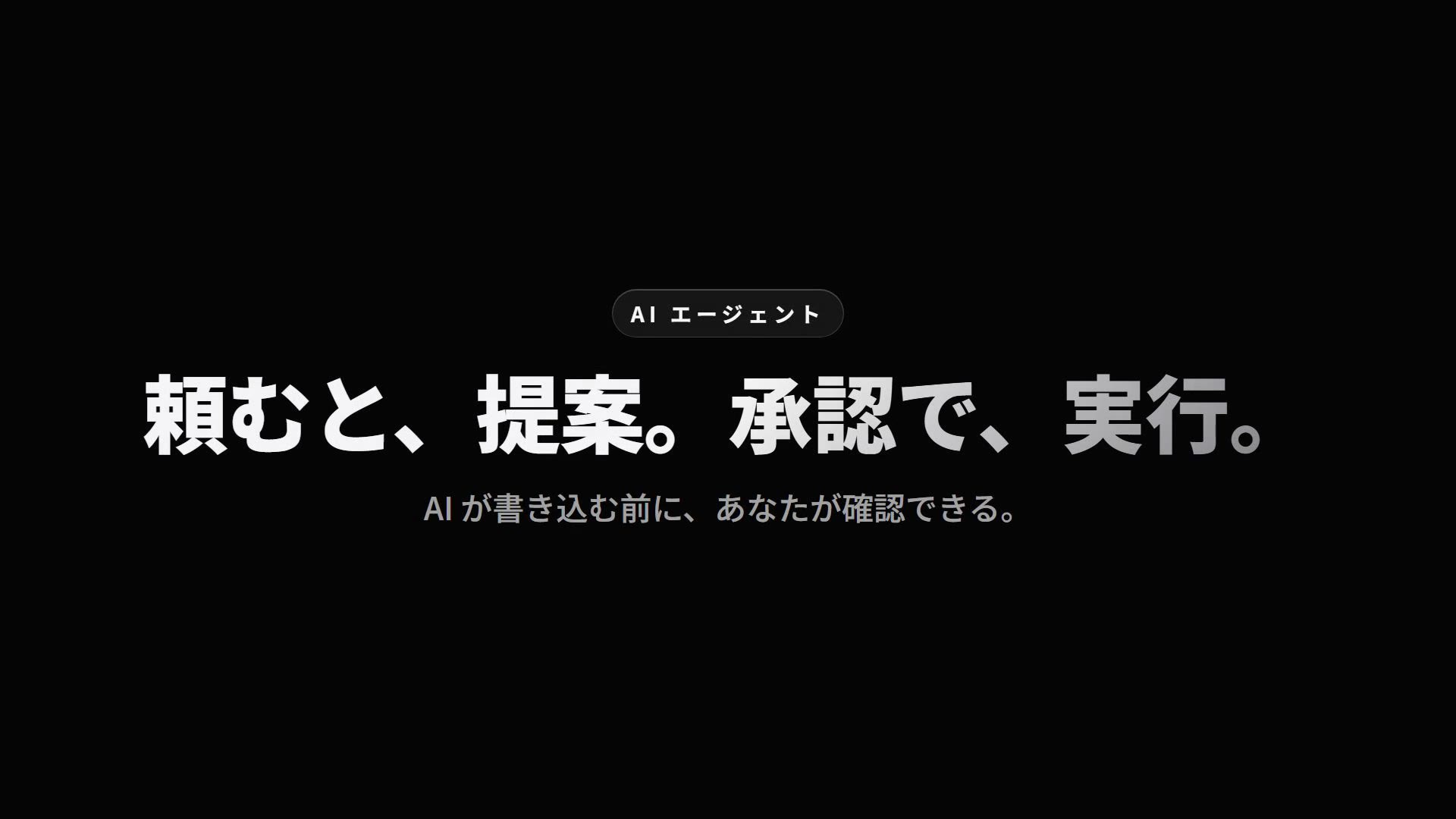
For example, when you ask the chat to register a deal, the AI proposes what to register. Once you review and approve the content, the registration is carried out.
You can hand the work to AI while still having a person check it before anything is executed.
2. Stronger integration with ChatGPT and Claude
We strengthened the integration that lets you use Aitane data from ChatGPT and Claude, the tools you already use every day.
Beyond looking up information stored in Aitane, you can now also register data by asking the AI.
Working from the AI you already know means less switching between tools.
3. Attach documents and ask AI
You can now attach PDFs and images to AI chat and ask questions about their content.
For example, you can attach a quote to check the contract terms, or summarize the content of a document.
This supports the work of organizing information while reviewing documents.
4. Expanded KPI dashboards
We enhanced the KPI dashboards that show the status of your sales activities.
In addition to viewing sales data on the dashboard, you can now have it delivered on a regular schedule at a time you set.
This helps you understand your sales status and share information within your team.
5. AI support for custom objects
AI can now look up and register data in the custom data items each company sets up (custom objects).
The information you manage to fit your own business can also be used from AI chat.
Watch the update video
We put together a video of about one minute showing the features added and enhanced in this update. Take a look along with the actual screens.
How to use the new features and contact us
For setup and how to use each feature, see the Aitane Help Center.
If you have any trouble setting up or using the new features, feel free to contact us through the chat in the lower right of the Aitane screen.
Aitane will keep building an environment where sales reps can focus on conversations and proposals with their customers instead of being buried in tedious tasks.
Thank you for your continued support of Aitane.
Share this article