Managing companies
Registering customer companies, favorites, and what happens to linked data on delete
Updated 2026.08.24
This page covers managing customer companies with Companies in the left navigation.
Companies are what contacts, deals, meetings, and email attach to. Keep this in order and "what has happened with this company?" becomes traceable on one screen.
Register a company
Add one from Add. Companies can also be registered automatically from meeting records.
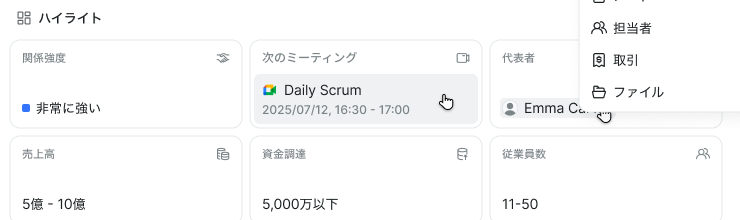
Contacts and deals attach to a registered company. On the detail screen, you can see the last contact date and related data in one place.
Add to favorites
You can mark one company as a favorite. Once set, it opens directly from Favorites in the left navigation.
Keep your most important account there and you'll stop searching for it every time. Favoriting another company replaces the previous one.
Linked data when deleting
Deleting a company requires choosing what happens to its linked data.
| Choice | Behavior |
|---|---|
| Unlink | Keep the data; remove only the association with the company |
| Migrate to another company | Reattach the related data to a company you specify |
If you choose migrate, you must specify the destination company before it can run.
Deleting asks you to type the company's name to confirm. There is currently no screen for restoring deleted data, so check how linked data should be handled before you run it.
Companies are deleted one at a time.