Move fast with the command palette
Search and navigate from the keyboard
Updated 2026.08.14
This page covers navigating and searching from the keyboard.
Open it
Cmd + K (Ctrl + K on Windows) opens the command palette. The AI chat input also shows a hint for it.
What it can do
Type part of a company or contact name and candidates appear. Selecting one takes you to that screen.
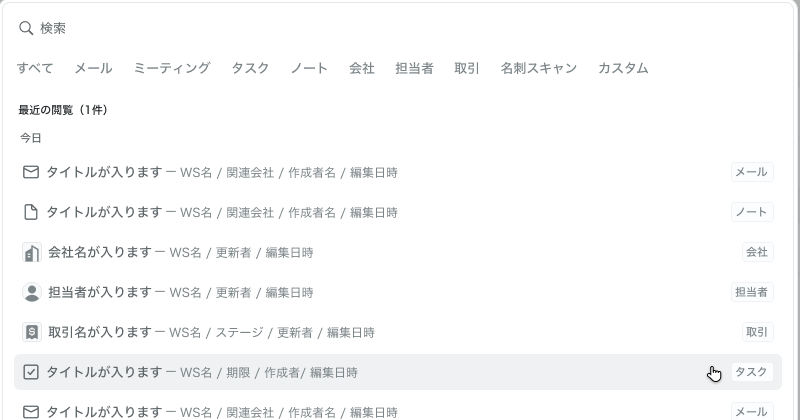
Even with nothing typed, recently viewed items are listed under "Today" and "Past week". If you just want to get back to something you were looking at, open the palette and pick it.
Each candidate carries a type label (email, note, company, contact, deal, task, and so on), so identical names never get mixed up.
For search scope and filter tabs, see Search across everything.
Where it shines
It pays off in moments like pulling up the other party's info right before a meeting. The round trip of navigating the left nav, opening a list, then searching — all collapses into a few keystrokes.